Nicholas06/27/2018We’ve come a long way since the hiss of a 56k modem was our portal to the web, and Angelfire was your go-to place to design a website that advertised your hobbies or business. As web development has moved on from those neon-soaked, ad-cluttered pages, today there are a host of options for easy, configurable…Read More
Tyler10/29/2018At some point in the lifecycle of your business, you have probably been tempted to take your web development in-house. After all, it could save you money, and how hard can building a website really be? But what about the time you lose? Time better spent elsewhere in the business. The fact is that prospective…Read More
Tyler11/07/2018What’s the face of your company? Your store front? Probably not. Your logo? Maybe… Or is it your website? Definitely! You need to make the best first impression on your visitors if you want to convert them into customers, and for that, you’re going to need a killer website. If you aren’t getting the traffic…Read More
Tyler02/19/2019The days of setting up and largely forgetting your website are gone. To be competitive in an online marketplace, you need a dynamic website where content can be refreshed regularly even if you don’t have coding or web programming knowledge. Luckily, there are software solutions known as Content Management Systems (CMS) to help you deliver…Read More
Tyler05/08/2019For brick and mortar businesses, the purpose of radio and newspaper ads, billboards, and TV commercials was to entice prospective customers into the store. Once the business owners got them there, they could start selling their products and services. Today, with online shopping ever gobbling up market share, your website has the capability or may…Read More
Tyler05/21/2019Search Engine Optimization (SEO) is important. You know that, but if you’ve been blogging for your business and still aren’t sure if you’re moving the needle, this post will help point you in the right direction. (For more info on what WE can do for your SEO, head over here!) A few simple actions can…Read More
Tyler06/19/2019So you’ve decided to take the plunge and get a mobile app for your business, that’s awesome and will be a positive step forward for your business. Or maybe you’re on the fence and need just one more reason to get in the mobile arena. Don’t worry, we’ve got seven benefits for your business if…Read More
DWebware02/17/2020Search engine optimization, known as SEO, is a mainstay of any digital strategy in 2020. SEO is no longer something that you should be planning as an afterthought but something you consider when creating all content. SEO in 2020 is something that you should be thinking about at the outset of any new development project, any website redesign or any new piece of content. You can ask yourself...Read More
DWebware02/19/2020We find that most companies these days, large or small, could leverage the power of a mobile app to empower their salespeople, engage with their customers, or in selling their products through mobile devices. Whatever your company’s goals are, a mobile app may help accomplish them...Read More
DWebware03/05/2020The Google Bert Update comes down to Bert. Bert stands for Bidirectional Encoder Representations from Transformers and is a new open-sourced Natural Language Processing (NLP) Update released as part of Google’s AI that allows it to better understand the content in long form pieces of content and take into consideration the meaning and intent behind a search query...Read More
DWebware03/12/2020Since their debut, featured snippets have offered long sought after SEO value. Recent changes to Google search have made featured snippets an even greater asset to your SEO strategy in 2020. But what are featured snippets and why are they so coveted?Read More
DWebware03/19/2020ADA Compliance has quickly become a must for any website that interacts with the general public. Recent legislative rulings have made it so everyone needs to be working towards higher levels of ADA compliance. We often get asked: “What can we do to be more ADA Compliant?” The answer to that question is complicated...Read More
DWebware12/06/2019With the astronomical number of websites being built every minute (over 1.5 million when millforbusiness.com reported on it in January 2019), there are more opportunities for hackers than ever before.
How does it impact you?Read More
Tyler11/06/2019For many companies, their intranet can be hard to look at and even harder to navigate. If your employees aren’t accessing your intranet or when they do, they can’t find what they’re looking for, it’s probably time for a redesign.
This post serves to discuss five common intranet challenges that can pop up which unaddressed can become huge issues down the road.Read More
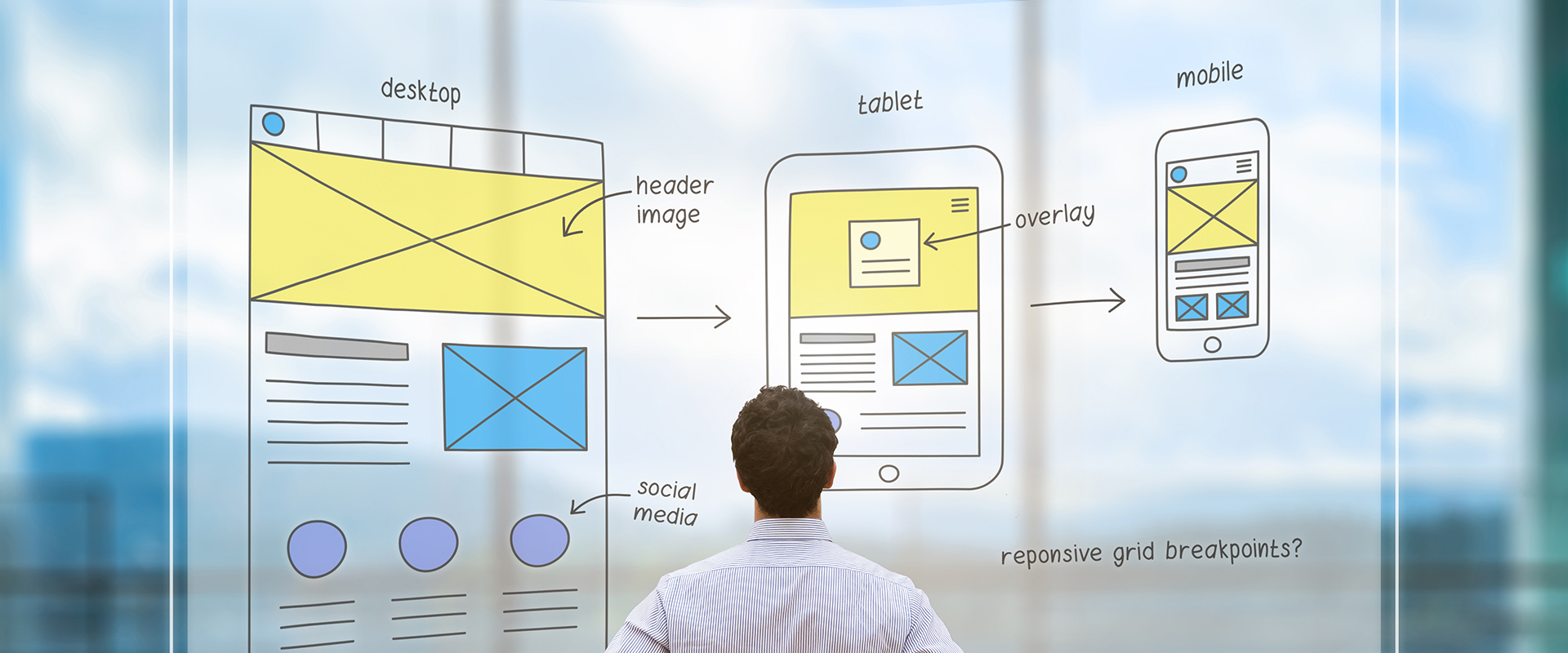
DWebware02/02/2020Mobile optimization is no longer something that should be an afterthought of your website. As of July 1, 2019, mobile-first indexing is enabled by default for all new websites. Furthermore, old websites are beginning to roll over to mobile-first indexing, with more and more each day making the updates. This transition to a mobile-first index from Google means that every domain must have a mobile-friendly and responsive website to show up and rank in search engines.Read More
Jumpstart Your Project
You’re ready to talk and we’re ready to listen! Drop us a note and we’ll get the conversation rolling. LET’S DO THIS!














 Message